How to Sell Your PC in the UK: A Step-by-Step Guide
By aiden s ·
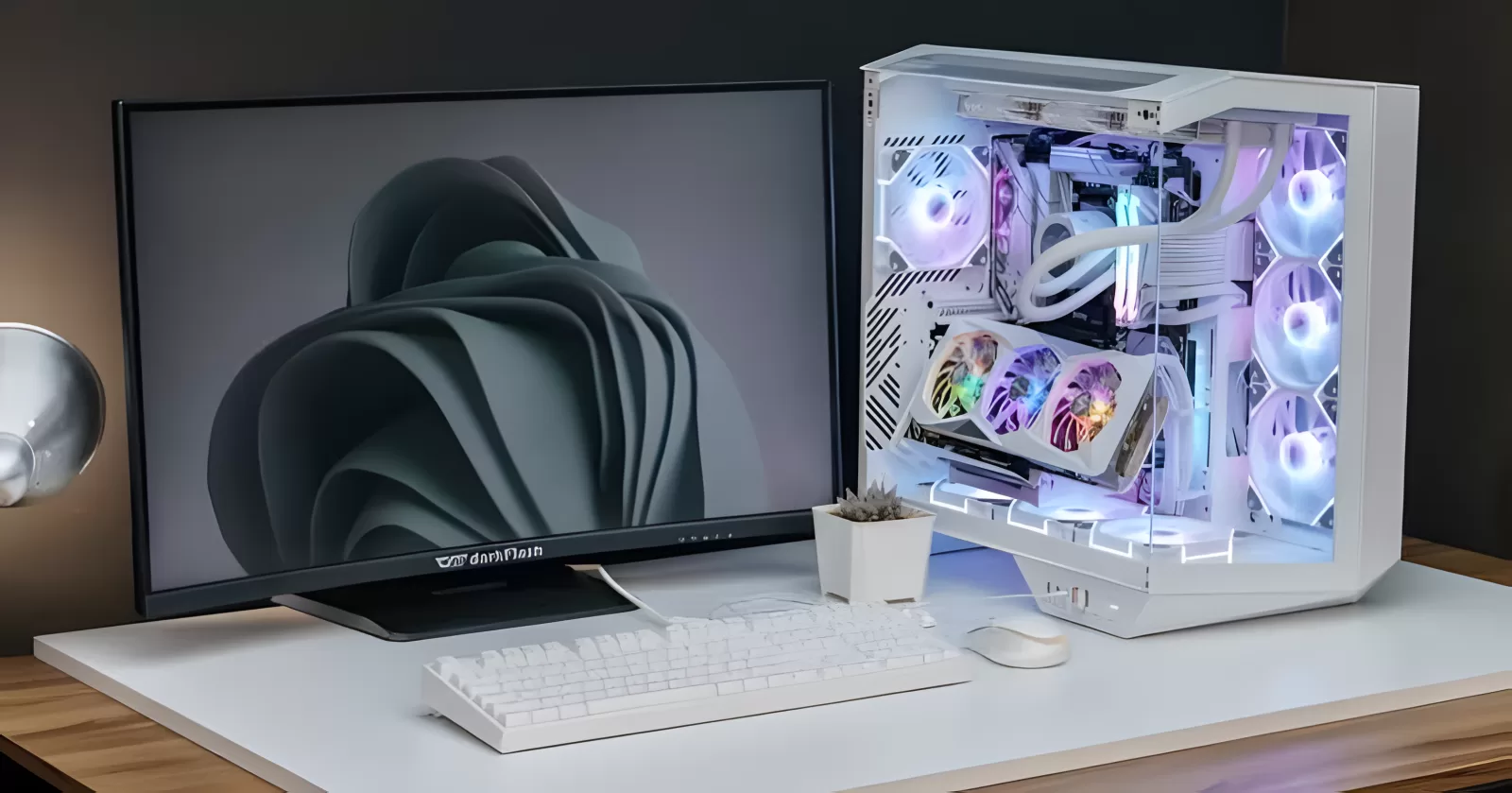
If you want to sell your PC, you probably have a computer you no longer need and want a fair price for it without any hassle. Good news: used PCs sell well right now. New memory and SSDs cost far more than they did a year or two ago, so a working PC with decent parts is worth more than many people expect.
This guide shows you how to sell your PC step by step, from working out what it is worth to getting paid safely.
Step 1: Find out exactly what is inside
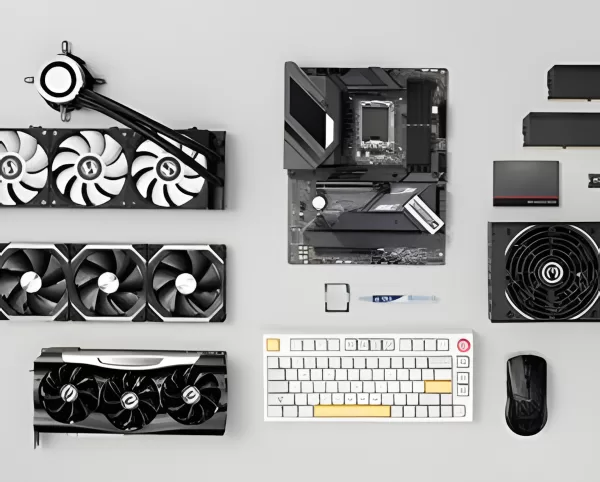
Buyers want to know the exact parts, not just "gaming PC, runs everything". Before you do anything else, write down:
- Processor (CPU), for example Ryzen 5 7600 or Core i5-12400F
- Graphics card (GPU), including the memory size, for example RTX 4070 12GB
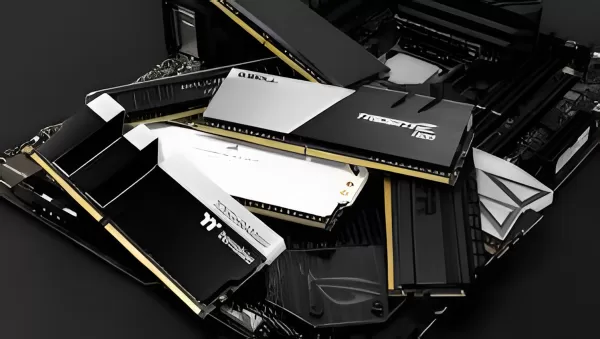
- Memory (RAM), how much and what type, for example 32GB DDR5
- Storage, size and type, for example 1TB NVMe SSD
- Power supply, brand and wattage
- Motherboard and case, if you know them
On Windows, you can find most of this in Settings > System > About and in Task Manager > Performance. A free tool such as CPU-Z shows the rest.
Step 2: Work out a fair price
Pricing is where most sellers go wrong. Price too high and nobody replies. Price too low and you lose money.
The best guide is what similar PCs actually sell for, not what people are asking. Look for PCs with the same graphics card and processor, because those two parts decide most of the value. Then adjust for:
- Condition - scratches, missing panels or a noisy fan all knock money off.
- Age of the platform - a DDR5 system is worth more than a similar DDR4 one.
- Extras - original boxes, receipts and any remaining warranty all help.
- Windows - a properly activated licence is worth mentioning.
If you would rather not guess, you can get a free valuation from our team. Tell us what is in your PC and we will give you a realistic price range.
Step 3: Back up and wipe your data
Never sell a PC with your files and accounts still on it.
- Back up anything you want to keep, such as photos, documents and game saves.
- Sign out of your accounts, including Microsoft, Steam, Epic, Discord and your browser.
- Reset Windows. Go to Settings > System > Recovery > Reset this PC, choose Remove everything, and pick the option to clean the drive. This takes longer but makes your old files very hard to recover.
A clean, fresh copy of Windows is also a selling point, because the buyer can switch it on and get started straight away.
Step 4: Clean it and take good photos
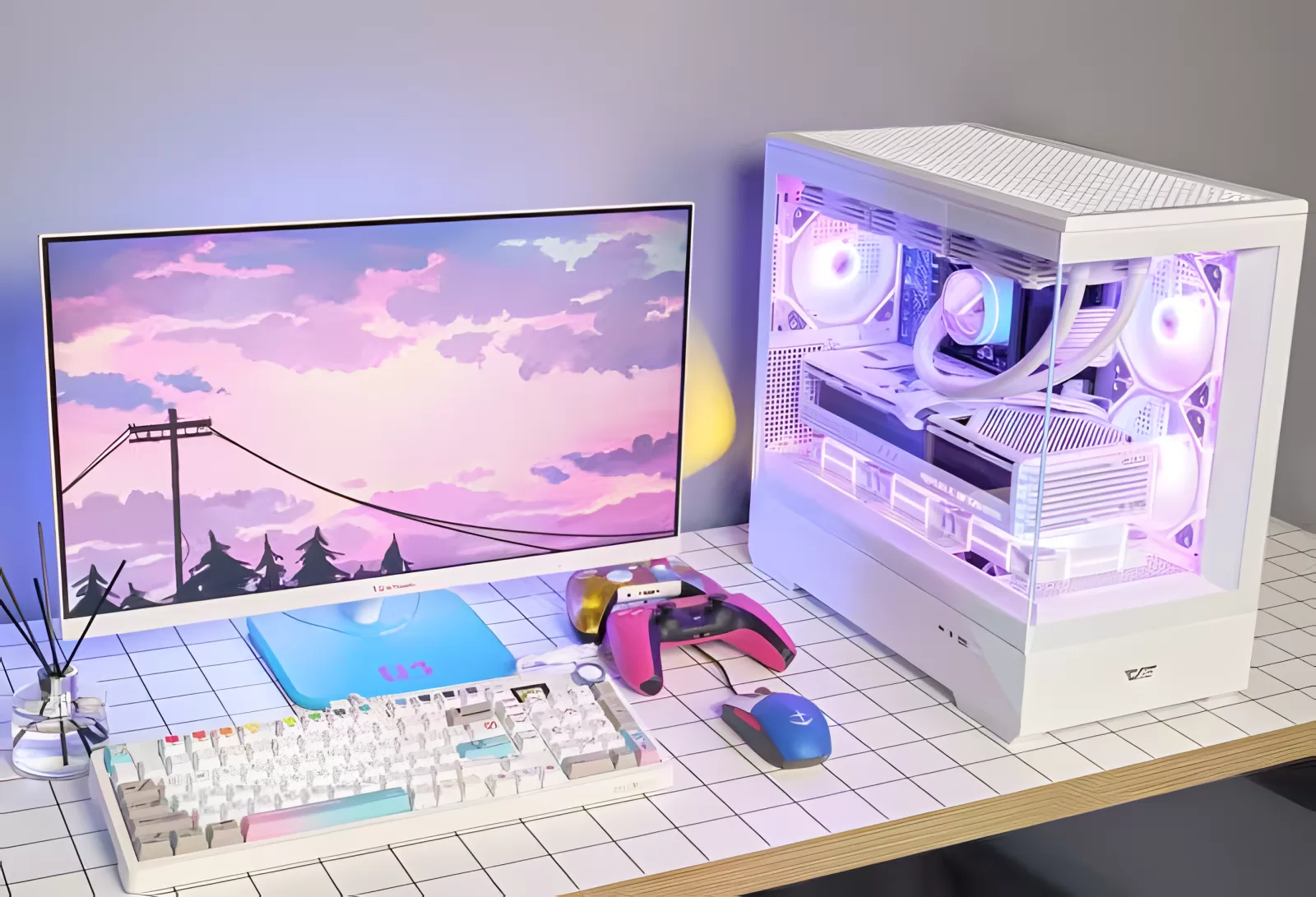
A dusty PC looks neglected, even if it runs perfectly. Spend ten minutes on it:
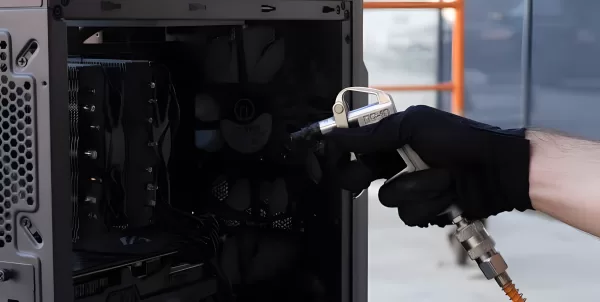
- Blow the dust out of the fans and filters with compressed air, holding the fans still as you do.
- Wipe the case and glass panel.
- Tidy any loose cables you can see through the window.
Then take clear photos in good light:
- The front, back and both sides
- The inside, with the side panel off
- Close-ups of the graphics card and any damage
- A photo of it switched on, if it has lighting
Honest photos of any marks build trust and save arguments later.
Step 5: Write a listing that sells
A good listing answers the buyer's questions before they ask. Include:
- A clear title with the key parts, for example "RTX 4070 Gaming PC - Ryzen 7 7700X, 32GB DDR5, 1TB SSD"
- The full spec list from step 1
- How old it is and how it has been used
- Any faults or marks, however small
- What is included, such as the power cable, boxes or Wi-Fi antenna
- Whether you can post it, or collection only, and where from
Step 6: Choose where to sell your PC
You have three main options.
Sell it yourself on a general marketplace
Sites like Facebook Marketplace and eBay reach a lot of people, but you handle everything yourself. Expect time-wasters, low offers and, sadly, scams.
List it free on a PC marketplace
On the AS Computers marketplace, listings are for PCs only, so buyers are there to buy a computer. You can list up to three PCs free. Every listing is checked before it goes live, buyers pay securely through the site, and a small fee is only taken if your PC sells. You arrange the delivery or collection, and we guide you through each step.
Let someone sell it for you
If you would rather not deal with buyers at all, our we sell it for you service does the work. We value your PC, write and publish the listing, and handle the buyer. You keep the PC at home until it sells, and the buyer pays online before collecting it from you. Our fee is taken from the sale price, so there is nothing to pay upfront.
Step 7: Get paid safely when you sell your PC
Most selling problems come down to payment. Protect yourself:
- Never hand over the PC until you have been paid in full. Check the money has actually arrived in your account, not just a screenshot of a payment. Some payments, such as PayPal or card payments, can also be disputed and reversed after you have parted with the PC.
- Be wary of overpayment. If a buyer "accidentally" sends too much and asks for a refund of the difference, it is almost always a scam.
- Ignore anyone who wants to pay through a link they send you. Fake payment pages are a common trick.
- Meet in a safe place, or have someone with you if the buyer is collecting from your home.
- Report scams. If someone tries to scam you, report it to Action Fraud, the UK's national fraud reporting centre.
- For posted sales, use a tracked service and pack the PC well. Remove the graphics card or pack the inside with foam if you can, because heavy cards can break loose in transit.
When you sell through AS Computers, the buyer pays us, not you directly. Your money is released once the buyer has the PC, so neither side has to trust a stranger.
Summary
To sell your PC quickly and for a fair price: find out exactly what is in it, check what similar PCs actually sell for, wipe your data, clean it, take honest photos and write a clear listing. Then choose a way of selling that keeps your payment safe.
Ready to sell? Get a free valuation, list your PC for free, or let us sell it for you.