How Much Is My PC Worth? A UK Guide to Valuing Your PC
By aiden s ·
"How much is my PC worth?" is one of the first questions people ask before selling. The honest answer is that it depends on a handful of parts, its condition and what similar PCs are actually selling for right now.
This guide explains how to work out a realistic price for your PC, so you don't sell it too cheaply or scare buyers off by asking too much.
Why used PCs are worth more than you might think
A few years ago, used PCs lost value quickly. That has changed. Memory and SSD prices have risen sharply over the past year, and graphics cards still cost well above their original launch prices. A working PC with decent parts can hold its value surprisingly well, because buying the same parts new would cost far more.
The parts that decide the price
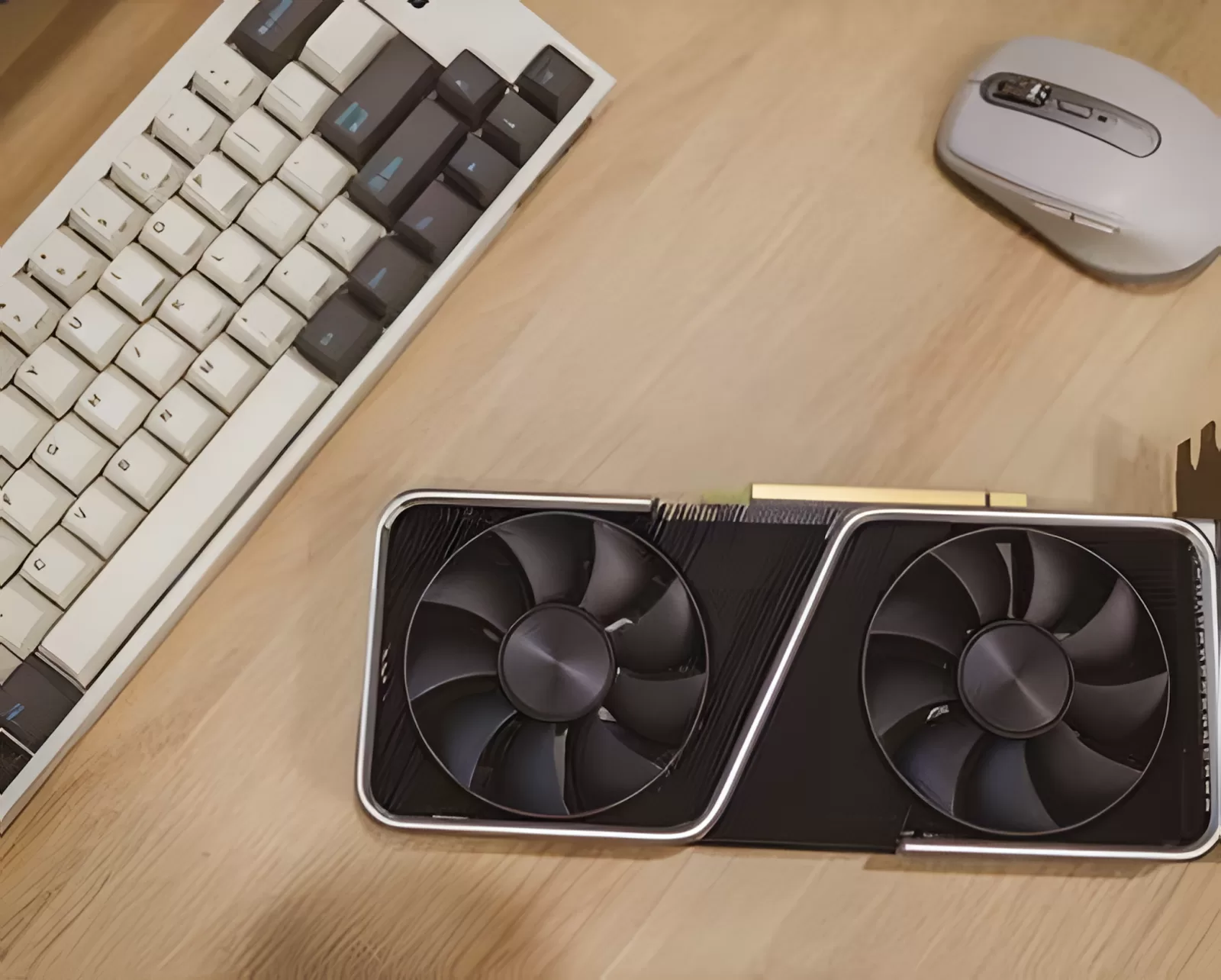
Not every part counts equally. These are the ones buyers care about most, in order.
1. Graphics card
For gaming PCs, the graphics card is usually the biggest single factor in the price. A recent card with plenty of video memory, such as 12GB or more, adds far more value than an older 6GB or 8GB card. Check the exact model name, because small differences matter. For example, an RTX 4060 Ti 16GB is worth more than the 8GB version.
2. Processor
The processor comes next. Newer platforms, especially ones that use DDR5 memory, are worth more than older DDR4 systems, because they are easier to upgrade in future. Gaming-focused chips such as AMD's X3D range are in high demand.
3. Memory
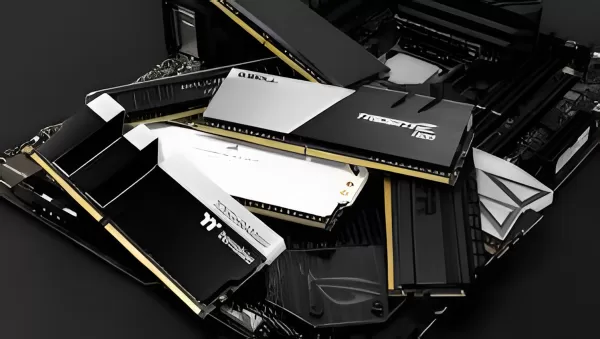
With memory prices so high, this matters more than it used to. 32GB is now the standard buyers look for, and DDR5 is worth more than DDR4.
4. Storage
A fast NVMe SSD of 1TB or more is expected in a gaming PC. Hard drives add little value, and a small SSD may put some buyers off.
5. Everything else
The case, power supply, motherboard and cooling matter less on their own, but they still count. A branded power supply and a good-looking case make a PC easier to sell. An unbranded power supply can put buyers off completely.
What adds value
- Good condition, with no scratches or cracked panels
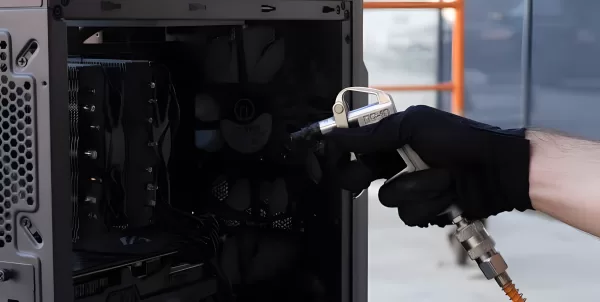
- A clean, dust-free inside
- An activated copy of Windows
- Original boxes and receipts, which also prove where the parts came from
- Remaining warranty on any parts
- Clear, honest photos and a full spec list
What knocks money off
- Any fault, even a small one such as a noisy fan or a USB port that doesn't work
- Heavy dust or signs of overheating
- Unbranded or very old power supplies
- Missing parts, such as side panels, Wi-Fi antennas or the power cable
- Heavy use, for example months of cryptocurrency mining
How to check what your PC is worth
Step 1: Write down the exact spec
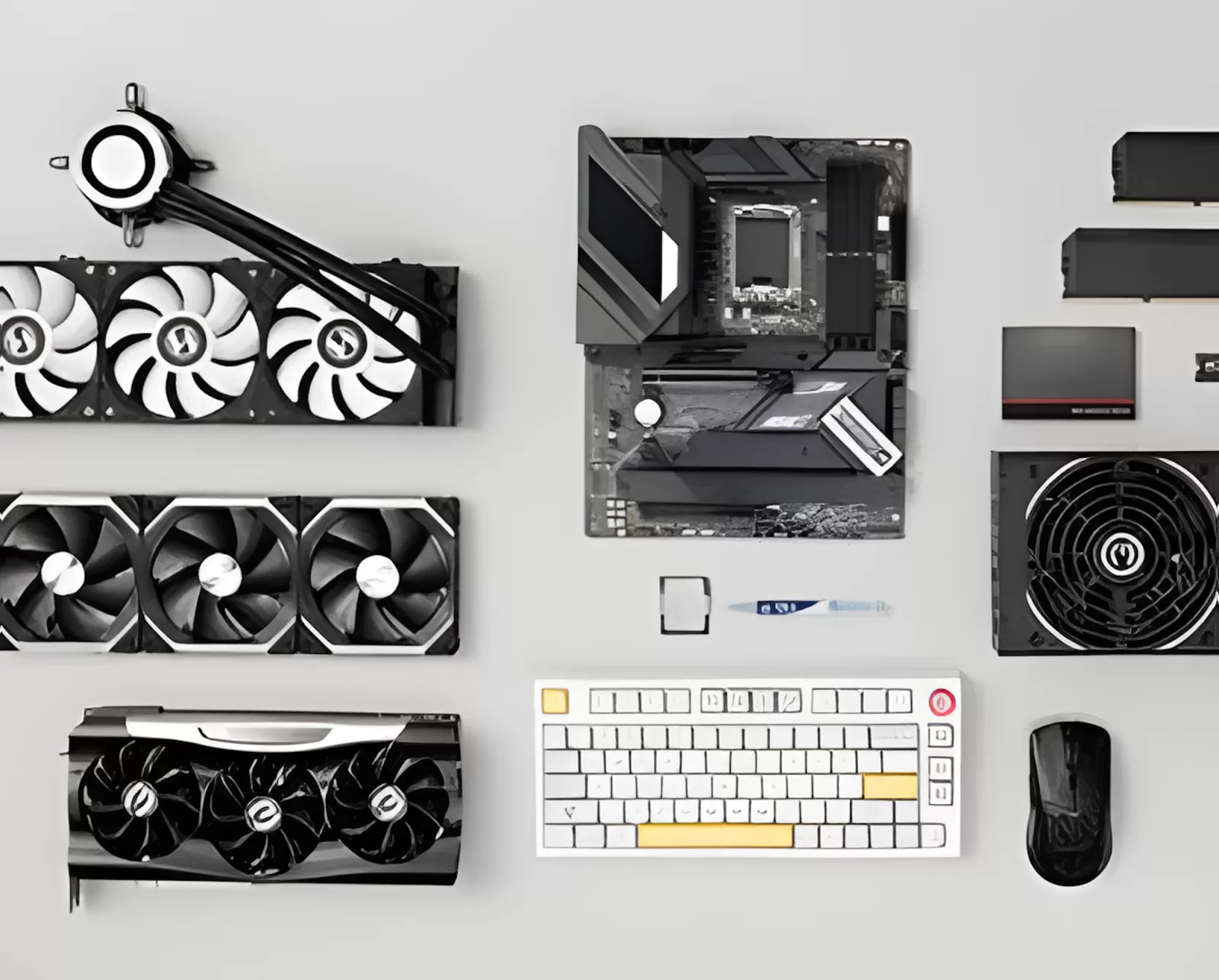
Note the graphics card, processor, memory, storage and power supply. On Windows you can find most of these in Task Manager > Performance. Free tools such as CPU-Z and GPU-Z show the exact models. Getting the model exactly right matters, because two graphics cards with almost the same name can be worth very different amounts.
Step 2: Look at sold prices, not asking prices
Anyone can ask any price. What matters is what PCs like yours actually sell for. On eBay, you can filter search results to show sold items. Look for PCs with the same graphics card and processor, and ignore ones that are much newer or older.
Step 3: Compare parts separately
Another way to sanity-check your price is to look up what each main part sells for used. A complete PC usually sells for a bit less than the total of its parts sold separately, because the buyer is paying for convenience and you avoid the hassle of selling each part.
Step 4: Adjust for condition and extras
Move your price up or down using the lists above. Be honest with yourself. Buyers will notice every scratch.
Common valuation mistakes
- Using what you paid as a guide. Buyers pay what the PC is worth today, not what it cost new.
- Counting accessories. A monitor, keyboard or headset rarely adds much when bundled in. You'll often get more selling them separately.
- Pricing from one listing. Look at several sold PCs, not just the one with the highest price.
- Ignoring faults. A buyer will find them, and it's better to be upfront and price it fairly.
Should you sell the whole PC or split it into parts?
Selling parts separately can sometimes earn a little more, but it takes much longer. You have to write several listings, deal with more buyers and post more parcels. For most people, selling the complete PC is quicker, easier and less risky.
Get a free valuation
If you would rather have someone else look at it, we can help. Tell us what is in your PC through our free valuation form, and our team will give you a realistic price range based on current UK prices. There's no obligation to sell.
Once you know what it is worth, you can list it free on our marketplace or let us sell it for you. For a full walkthrough of selling, read our guide on how to sell your PC.
Summary
What your PC is worth comes down mainly to its graphics card, processor and memory, then its condition. Check what similar PCs have actually sold for, adjust for condition and extras, and price it realistically. Or skip the research and get a free valuation from our team.