Gaming PC Buying Guide 2026: What to Buy and What to Spend
By aiden s ·
Buying a gaming PC in 2026 is harder than it should be. Memory and SSD prices have more than doubled in a year, and graphics cards still sell for well above their launch prices. This gaming PC buying guide cuts through the noise. It explains which parts matter, what each budget really gets you, and how to avoid paying too much.
Every price in this guide comes from our own parts list, which we check against UK retailers each month. The figures below were last checked in September 2026.
Start with what you play
The biggest mistake people make is buying parts before deciding what the PC is for. A PC for Fortnite at 1080p is a very different machine from one for Cyberpunk 2077 at 4K.
Ask yourself three questions:
- Which games do you play most? Esports games like Fortnite, Valorant and Rocket League run well on modest hardware. Big single-player games need a lot more power.
- What screen will you use? A 1080p monitor needs far less power than a 1440p or 4K one. Your screen decides your budget more than anything else.
- Do you stream, edit video or work on it too? If so, more processor cores and more memory are worth paying for.
If you are not sure, our PC questionnaire asks these questions for you and suggests a build that fits.
The parts that matter most
Graphics card
The graphics card does most of the work in games, so it should take the biggest share of your budget. Here is roughly what each tier suits:
- Entry level: RTX 5050, Intel Arc B580 or RTX 5060. Good for 1080p gaming at medium to high settings.
- Mid range: RX 9060 XT 16GB or RX 9070 GRE. Great for 1080p at high settings and fine for 1440p.
- Upper mid range: RX 9070 XT or RTX 5070. The sweet spot for 1440p at high frame rates.
- High end: RTX 5070 Ti, RTX 5080 or RTX 5090. For 4K gaming or very high refresh rates.
Processor
For gaming, a six-core processor is plenty for most people. The Ryzen 5 7600 and Core i5-12400F are both good value. If you want the fastest gaming processor, AMD's X3D chips, like the Ryzen 7 7800X3D and 9800X3D, lead the way. Spend more here only if you stream or edit video.
Memory
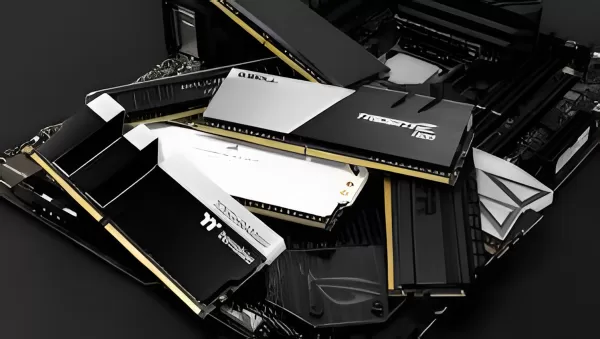
Aim for 32GB. It is the new standard for gaming, and 16GB can hold you back in newer games. Memory is the part hit hardest by this year's price rises. A 32GB DDR5 kit now costs around £400, when it cost well under half that in 2025.
Storage
Get an NVMe SSD of at least 1TB. Modern games often take up 100GB or more each, so 500GB fills up fast. A 2TB drive is worth it if you play lots of big games.
Power supply and cooling
These parts are easy to skimp on, but don't. A cheap power supply can fail and take other parts with it. Choose a known brand with an 80+ Gold rating. For cooling, a good air cooler costs about £30 and is quiet enough for most builds.
How much should you spend?
The table below shows what the main parts cost for four typical builds, using UK retail prices from September 2026. It includes the case, cooler and power supply. It does not include Windows, a monitor or accessories.
| Build | Key parts | Parts cost (approx.) | Good for |
|---|---|---|---|
| Entry | Ryzen 5 5500, RTX 5050, 16GB DDR4, 1TB SSD | £900 | 1080p, esports games |
| Mid range | Ryzen 5 7600, RX 9060 XT 16GB, 32GB DDR5, 1TB SSD | £1,450 | 1080p high, some 1440p |
| High | Ryzen 7 7800X3D, RX 9070 XT, 32GB DDR5, 2TB SSD | £2,050 | 1440p high refresh |
| Enthusiast | Ryzen 7 9800X3D, RTX 5080, 32GB DDR5, 2TB SSD | £3,000 | 4K and top frame rates |
Remember to add around £120 for Windows 11 Home if you need a licence. If you would rather not build it yourself, factor in the cost of assembly too.
New or used: which is better value?
Because new memory and storage cost so much right now, a good used gaming PC can be the smartest buy in 2026. A PC built two years ago often has the same memory and SSD you would pay hundreds for today. Its graphics card may be a generation old, but it will still run most games well.
Buying used does carry some risk. This part of our gaming PC buying guide covers the checks to make:
- Ask for the full spec. Get the exact model of the graphics card, processor, memory and power supply.
- Look at real photos. Check the inside for dust, damage and cheap unbranded parts.
- See it running. If you collect in person, ask the seller to run a game or a benchmark while you watch.
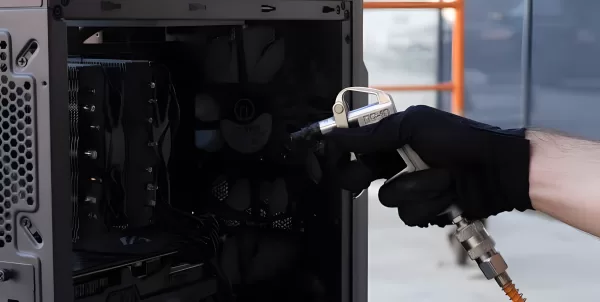
- Check the temperatures. A PC that runs very hot may have a failing fan or old thermal paste.
- Never pay by bank transfer to a stranger. Use a payment method that protects you if the PC doesn't arrive or isn't as described.
On our PC marketplace, every listing is checked before it goes live. You pay securely online, and the seller only gets paid once you have your PC. Private sellers must describe the PC accurately, and our own PCs come with a 6-month warranty.
When you buy from a business in the UK, you also have strong legal rights. The government's guide to consumer protection rights explains what you are entitled to.
Pre-built or build it yourself?
Building your own PC is rewarding and lets you choose every part. It also takes time, and you are on your own if something goes wrong. A pre-built or custom-built PC costs a little more, but it arrives tested and ready to use.
A middle option is a custom build. You tell us what you play and your budget, and we choose, build and test the PC for you. You get the parts you want without the risk. Start with our questionnaire to see a recommended build and price.
Gaming PC buying guide: mistakes to avoid
- Spending too much on the processor. For gaming, the graphics card matters far more.
- Buying an 8GB graphics card for 1440p. It will feel dated much sooner.
- Forgetting the monitor. A fast graphics card is wasted on a basic 60Hz screen.
- Cheap power supplies. They are a common cause of PC failures.
- Paying for looks over performance. RGB lighting is fun, but it does not add frames.
Summary
Here is the short version of this gaming PC buying guide. For most people, the best gaming PC in 2026 has a mid-range graphics card with at least 12GB of video memory, a six-core processor, 32GB of memory and a 1TB SSD. Expect to pay about £1,450 for those parts new. With memory prices so high, a checked used PC is often the best value of all.
Whatever you choose, match the PC to the games you play and the screen you use. That one rule will save you more money than any deal.
Ready to look? Browse gaming PCs on AS Computers, or tell us what you need and we'll recommend a build.